See it your way.
Kanban, list, timeline or calendar. One project, four views, one click apart.
Plan every project four ways, track time on every task, keep your client in the loop, and turn finished work into an invoice in one click.
Kanban, list, timeline or calendar. One project, four views, one click apart.
A timer on every task, with hourly rates. Hours become invoice lines on their own.
Finish the tasks, open the invoice. Costs are already calculated.
From kickoff to invoice, everything a client project needs.
Drag-and-drop cards across To do, In progress and Done columns. Always know what's moving.
Sort, filter and bulk-edit hundreds of tasks in a fast, dense list — perfect for power users.
See deadlines and milestones spread out by day, week or month. Never miss a delivery date.
Visualize project schedules and dependencies on a beautiful timeline that scales with your team.
Single active timer per user with hourly rates. Logged time auto-calculates invoice amounts.
Set project budgets and track progress against milestones — spot overruns before they happen.
Discuss work in context. Threaded comments keep every decision next to the task it belongs to.
Upload files to tasks, assign teammates, and keep all project artefacts together in one place.
Notion-style rich text editor for briefs, scopes, meeting notes and decision logs.
Optimistic file uploads for designs, references and deliverables. Preview images right inside the project.
Share a beautiful read-only portal with your client. Optional show-costs toggle and pill nav.
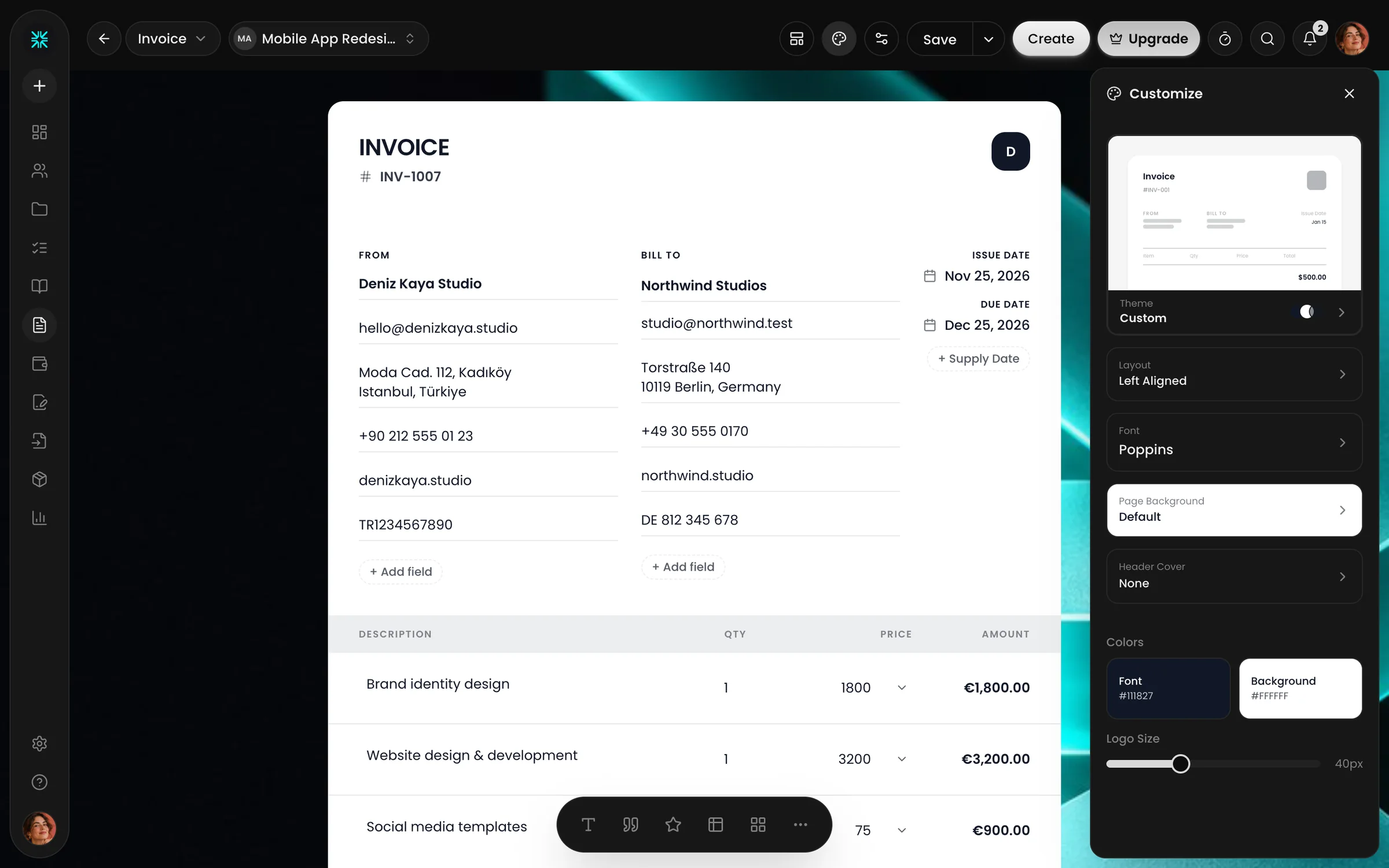
Auto-load all done tasks into a new invoice with tracked time and amounts pre-calculated.
Boards for flow, lists for speed, timelines for planning, calendars for dates.
Cover, budget, milestones and a brief. Ready in a minute.
Assign, schedule, attach files, discuss in comments.
Start the timer. Your rate does the math.
Finished tasks become a ready invoice, one click away.

Every project gets a cover, an avatar, a brief, an asset library and a client portal. Switch views without losing your place.

Assignees, deadlines, files and threads on every card. Tracked hours turn into amounts automatically.

Invite your team, assign tasks, mention colleagues, filter by person. Everyone knows who is doing what.

Grap loads finished tasks into a new invoice, with costs from time and rates. Send it, get paid.
Many clients, one clear head. Bill exactly what you delivered.
Parallel projects, milestones and shared portals, all in step.
Templates, calendars and timelines for delivery that repeats well.
Covers, notes and asset libraries. A workspace that looks like your work.
Built to ship the project, not just track it.
Start free and send something beautiful today. No credit card, no setup.