First steps
Five minutes now saves hours later:
- Business info — add your company name, address and tax ID in Settings › Business Info.
- Brand — upload your logo and pick your colors in Settings › Branding.
- Invoicing — set your currency, document language and numbering in Settings › Invoicing.
- First client — add one from Customers or the + New menu.
- Payments (optional) — connect Stripe, iyzico or PayTR in Settings › Integrations.
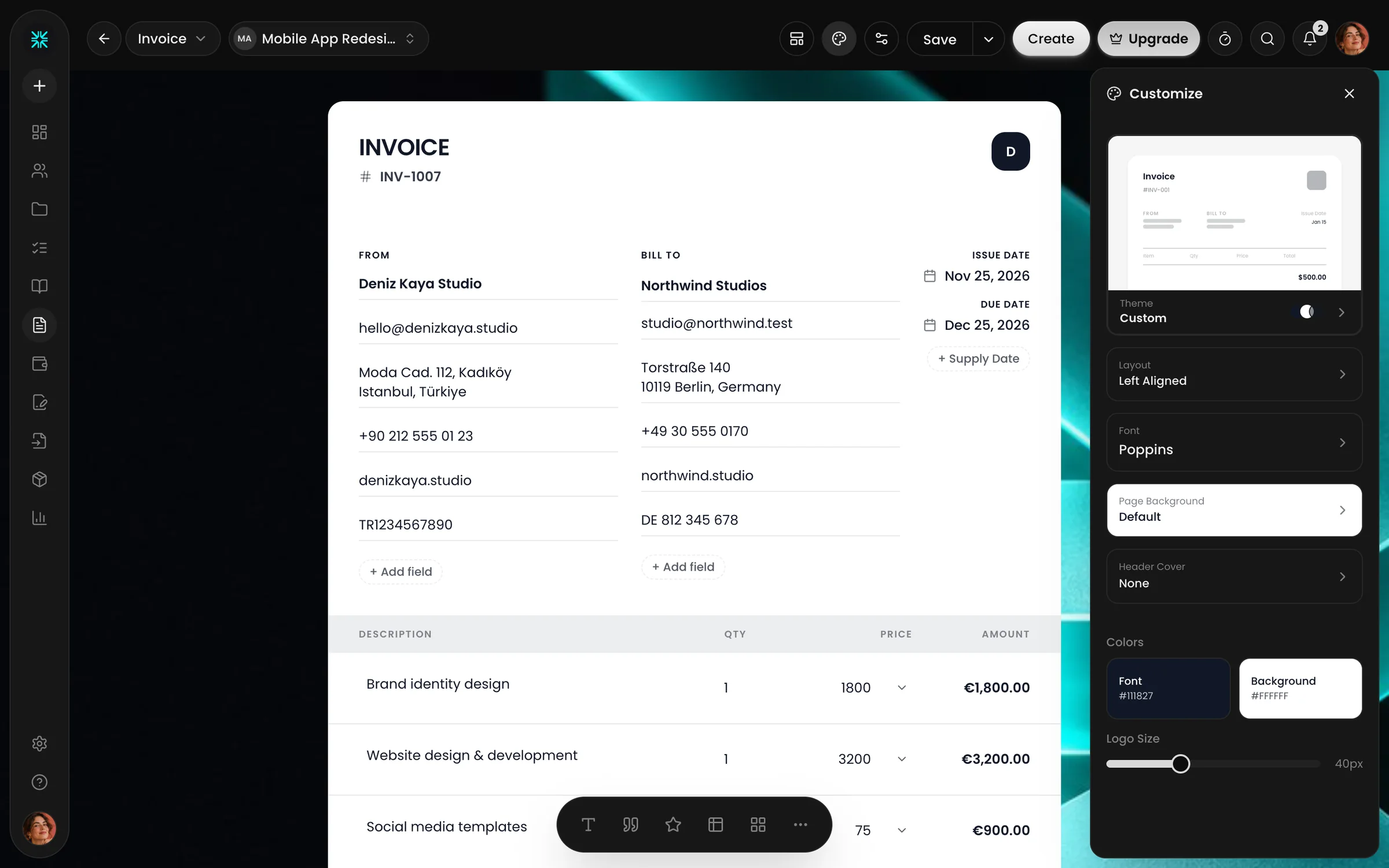
Then create your first invoice. Everything you set up is filled in for you.
Still stuck? Contact us and we'll help.