Recurring invoices
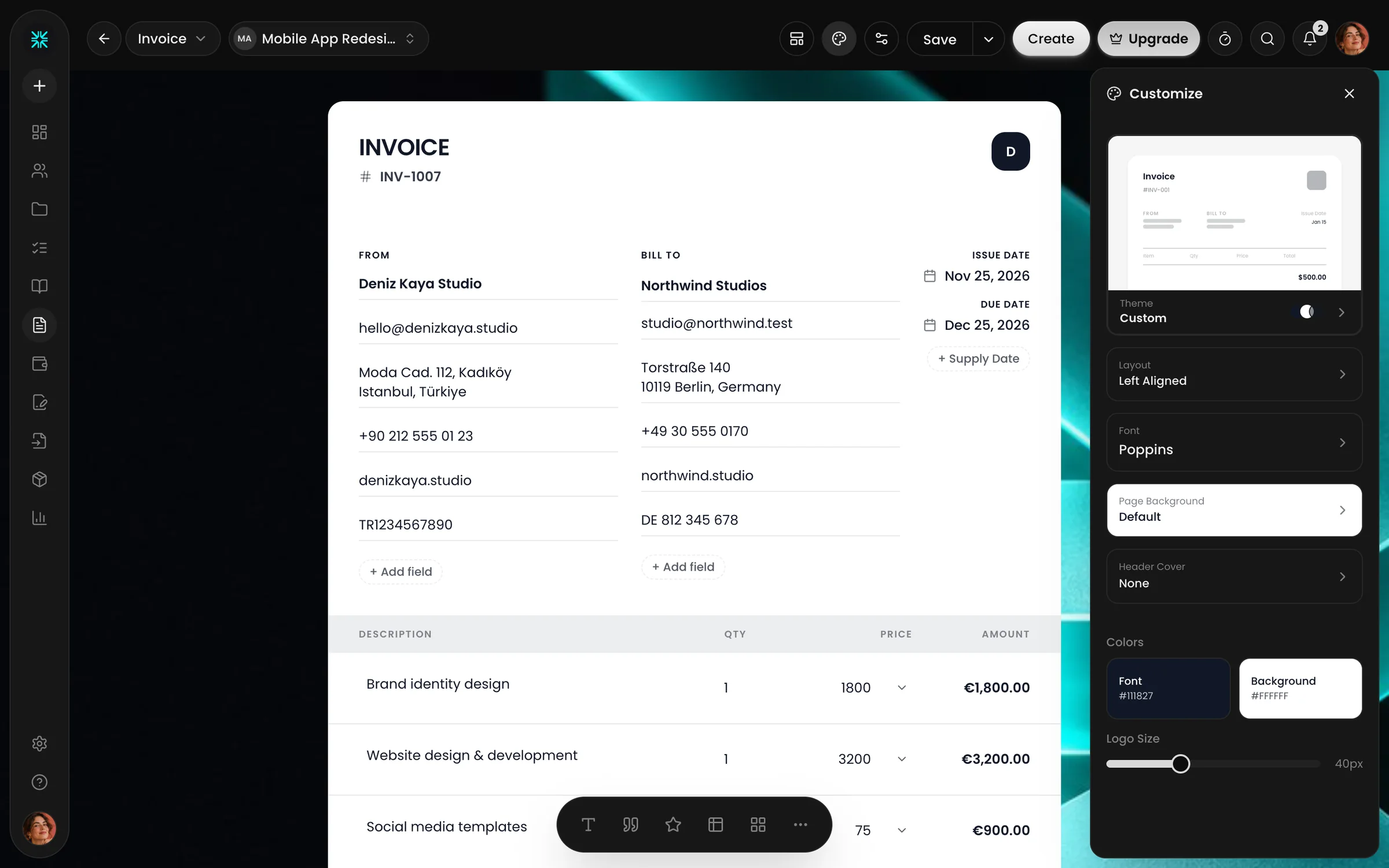
For retainers and subscriptions, turn on Recurring in the invoice settings and choose weekly, monthly, quarterly or yearly.
On each date, Grap creates the next invoice with a new number and today's date, keeps the same payment term and emails it to your client. If the client has no email, it's saved as a draft and you're notified. Turn Recurring off to stop.
Still stuck? Contact us and we'll help.