Scheduling a send
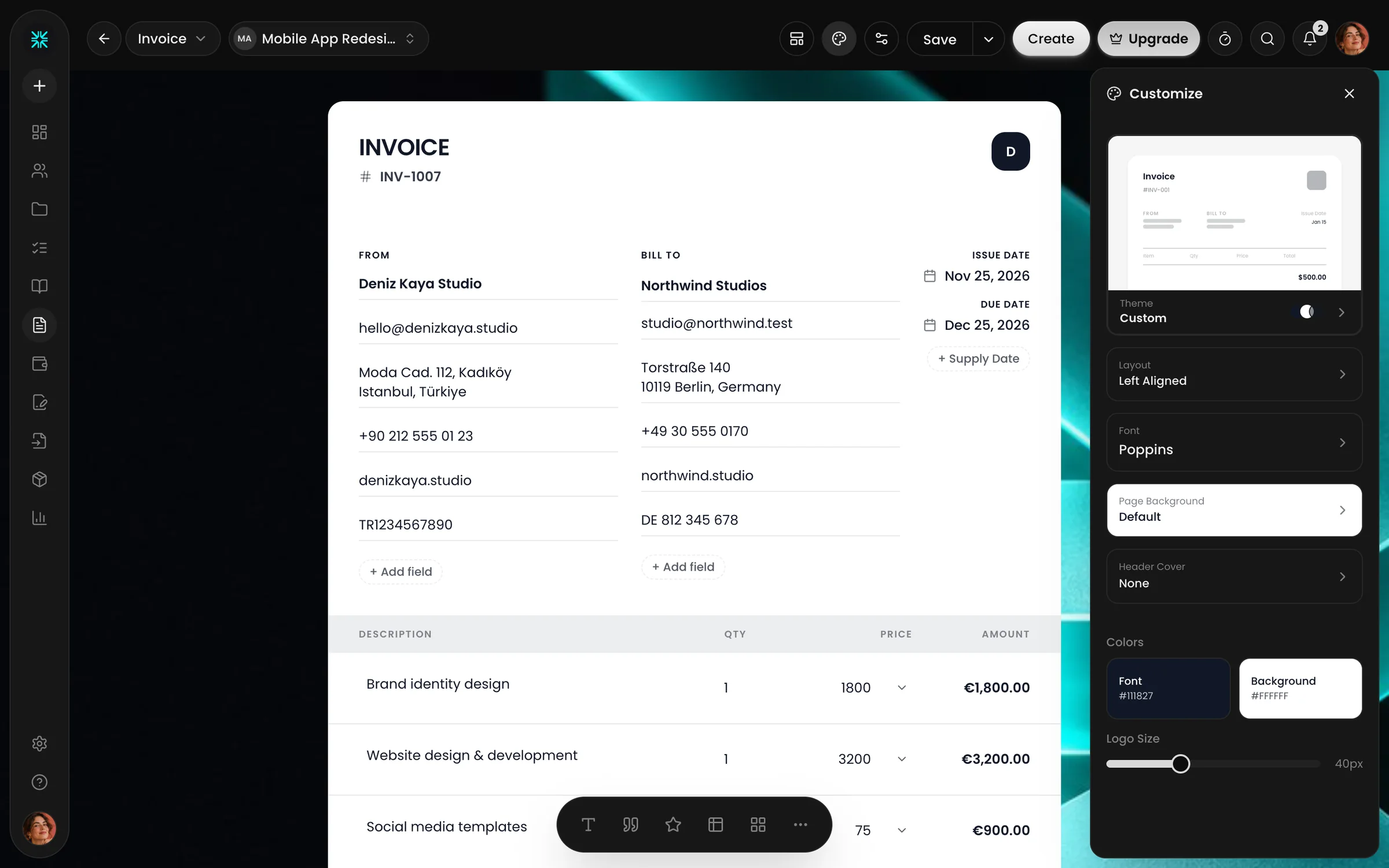
Prepare a document now and send it later: choose Schedule from the save menu and pick a date and time.
Grap checks every hour and, when the time comes, emails the document to your client and marks it sent. If the client has no email, you're notified instead. Edit the document before then to change the time.
Still stuck? Contact us and we'll help.